
- Newsletters and campaigns
Mailchimp: design and automate your email marketing campaigns
Good tool
Mailchimp is where you gather your contacts into an audience, put together newsletters and promotional campaigns in a drag-and-drop editor, then send them to the right segment at the right time. Automated journeys take over for welcome emails, abandoned cart reminders and customers who have stopped ordering, and reports track opens, clicks and the sales generated. With its forms, landing pages, SMS and more than 300 integrations, it is one of the best-known email marketing platforms in the world, especially popular with small online stores.
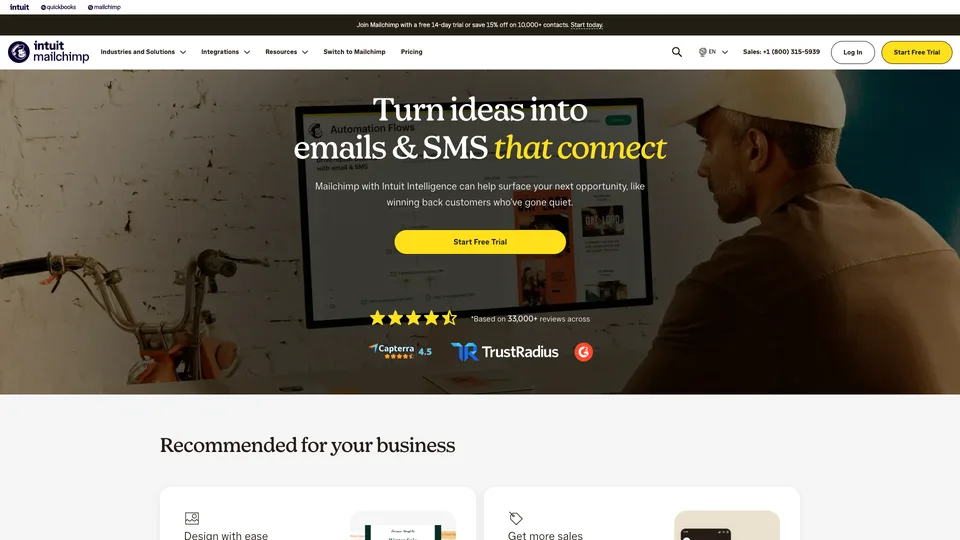
What is Mailchimp?
Mailchimp is online software: you create an account, import or collect your contacts, and manage everything from the browser or the mobile app. Each contact carries tags, fields and a history (campaigns opened, purchases if a store is connected), which you use to slice the audience into segments. You pick a template, customize it, schedule the send and track the results. Beyond the newsletter, the tool handles multi-step automated journeys, A/B tests, forms and landing pages, SMS as a paid add-on, social media publishing and an AI assistant, Intuit Assist, available only in English and on the Standard and Premium plans. Billing is based on the number of contacts stored, with a sending volume that scales accordingly.
The story begins in Atlanta in 2001, when Ben Chestnut and Mark Armstrong, later joined by Dan Kurzius, launched a paid email service. The arrival of a free plan in 2009 sent the user base soaring and made the brand, with its chimp mascot Freddie, a fixture at millions of small businesses. Mailchimp then launched Mandrill, its transactional email service, which it later folded into paid accounts as Mailchimp Transactional, before positioning itself as a full marketing platform. In November 2021, Intuit, the maker of QuickBooks and TurboTax, closed its acquisition for about $12 billion in cash and stock; the tool has since been called Intuit Mailchimp and is moving closer to QuickBooks accounting data.
Mailchimp at a glance
- Type
- Online email marketing platform
- Founded
- 2001
- Founders
- Ben Chestnut, Mark Armstrong, Dan Kurzius
- Origin
- United States
- Headquarters
- Atlanta, Georgia
- Owner
- Intuit, since November 2021
- Billing
- By number of contacts
- Free plan
- Yes, 250 contacts and 500 emails a month
- Starting price
- $13/month (Essentials, 500 contacts)
What is Mailchimp used for?
-
Create your email campaigns
a drag-and-drop editor, ready-made templates and scheduled sending for your newsletters and promotions.
-
Automate your follow-ups
journeys triggered by a sign-up, a purchase or an abandoned cart: only 4 journey points on Essentials, up to 200 on Standard and Premium.
-
Segment your audience
tags, fields and purchase history to target your contacts, with predictive segmentation on the higher plans.
-
Collect sign-ups
embeddable forms, pop-ups and landing pages hosted by Mailchimp, even on the free plan.
-
Measure your results
opens, clicks and attributed revenue, A/B tests from Essentials and multivariate tests on Standard.
-
Send text messages
as an add-on to a paid plan, with credits purchased monthly and availability that depends on the country.
-
Connect your store
more than 300 integrations, including Shopify, WooCommerce, Wix, Stripe and Canva, to pull in contacts and orders.


Mailchimp review
Good tool
Mailchimp taught a whole generation of merchants how email marketing works, and the tool has kept that teaching streak. The editor is still pleasant, the templates are polished, and a first campaign goes out without opening the documentation. For a Shopify or WooCommerce store, setup is simple and automated journeys (welcome, abandoned cart, win-back) quickly deliver measurable results.
The problem is the bill. Pricing follows the size of your list, not just your active subscribers: unsubscribed contacts count too until they are archived. A growing list therefore moves you up from tier to tier, and overages are charged automatically. You need to get into the habit of cleaning up your audiences, or you end up paying for addresses that no longer receive anything.
The free plan, for its part, has shrunk over the years: 250 contacts and 500 emails a month, with no scheduling and no A/B testing, and the Mailchimp logo in the footer of every message. That is enough to discover the tool, not enough to keep a newsletter going. And since the Intuit acquisition, the customer relationship has hardened: support is harder to reach, and compliance checks can block an account or an import without a very clear explanation.
Mailchimp remains a solid tool, but it is no longer the obvious choice it was for so long. It suits online stores that make full use of its automations and integrations; for a simple newsletter, several competitors do just as well for less.
Strengths
- A campaign editor that is easy to pick up, with polished templates.
- Effective automated journeys for e-commerce.
- One of the most extensive integration catalogs on the market.
- Clear reports, including the revenue attributed to campaigns.
- Forms, landing pages and SMS in the same tool.
Weaknesses
- A price that climbs quickly with list size, unsubscribed contacts included.
- A free plan cut down to 250 contacts and 500 sends a month.
- Key features (advanced segmentation, send-time optimization) reserved for Standard and Premium.
- Less responsive support, and account blocks that are sometimes poorly explained.
- Contact or sending overages charged automatically.
Is Mailchimp worth it?
Yes, if you run an online store and want to put your order data to work: buyer segments, abandoned cart reminders, product recommendations. The same goes if your website or sales tool is already connected to Mailchimp, or if your team needs several seats and a tool everyone already knows.
Not necessarily, if you send a monthly newsletter to a growing list, or if your budget is tight. Brevo, which charges mainly by the number of emails sent, often works out cheaper for a large list you rarely email; MailerLite offers an equally simple editor at a gentler price; Kit, Beehiiv and Substack are aimed more at creators who make a living from their newsletter. It is best to compare based on your real number of contacts before committing.
Whichever tool you choose, plan to authenticate your sending domain before your first campaign. Mailchimp asks you to add its DKIM and DMARC records to your domain’s DNS, and since 2024 Gmail and Yahoo have been filtering or rejecting bulk mail that isn’t authenticated. A gmail.com or yahoo.com address can therefore no longer be used as the sender: you need a domain of your own, and a run through Mail-tester before the first send.
How much does Mailchimp cost?
With Mailchimp, the price depends first on the number of contacts stored across all your audiences: subscribers, but also unsubscribed and non-subscribed contacts, with only archived or cleaned contacts excluded. The pricing page offers around twenty tiers, from 500 to more than a million contacts, and each plan sets a sending volume that scales with it (10, 12 or 15 times the number of contacts per month). The prices below are those of the first tier shown, billed monthly.
| Plan | Per month | At the first tier | Who it's for |
|---|---|---|---|
| Free | $0 | 250 contacts, 500 emails a month (250 a day), 1 user | Trying the tool with a very small list |
| Essentials | $13 | 500 contacts, 10 sends per contact per month, 3 users | A small business’s simple newsletter |
| Standard | $20 | 500 contacts, 6,000 emails a month, 5 users | Online stores automating their follow-ups |
| Premium | $350 | 150,000 emails a month, unlimited users | Large lists and marketing teams |
Source: official Mailchimp pricing page (US dollars), checked on October 31, 2026.
- The price rises with each contact tier: Essentials caps out at 50,000 contacts and Standard at 100,000. Beyond 200,000 contacts, a volume deal is negotiated with the sales team.
- On paid plans, contact or sending overages are charged automatically; on the free plan, sending is paused.
- A 14-day free trial is available for Essentials and Standard, with a payment method required; a one-month Premium trial is offered by the sales team to eligible new customers.
- A 15% discount for 12 months applies to plans with more than 10,000 contacts. Annual plans, limited to Standard and Premium from that threshold, are requested through the sales team.
- Extras: SMS credits, transactional email and pay-as-you-go email credits for occasional senders.
FAQ
Answers to questions about Mailchimp
Is Mailchimp free?
Yes, up to 250 contacts and 500 emails a month, with at most 250 sends a day, a single user and the Mailchimp logo in your messages. Beyond that, you need a paid plan, starting at $13 a month for 500 contacts on Essentials.
Are unsubscribed contacts billed?
Yes. Mailchimp counts subscribed, unsubscribed and non-subscribed contacts across all your audiences. Only archived, cleaned or deleted contacts are left out: regularly archiving inactive addresses lowers your bill.
What happens if I go over my contact limit?
On a paid plan, Mailchimp automatically charges the overage without interrupting your sends. If the increase lasts, it is better to move up a tier. On the free plan, sending is paused until you reduce your list or upgrade to a paid plan.
Who owns Mailchimp?
Intuit, the American maker of QuickBooks and TurboTax, which acquired it in November 2021 for about $12 billion. The company was founded in Atlanta in 2001.
Mailchimp or Brevo?
Mailchimp bills by the number of contacts stored, Brevo mainly by the volume of emails sent. For a large list you rarely email, Brevo usually works out cheaper; for an online store that uses order data and automations, Mailchimp keeps the edge with its integrations.
Information checked on October 31, 2026