
- Web technical
- SEO
- Technical audit
- Web performance
Lighthouse: Google’s audit for measuring a page’s speed and quality, right in Chrome
Reference
A right-click, “Inspect,” the Lighthouse tab, and Chrome puts the open page under the microscope: performance, accessibility, best practices and SEO each get a score out of 100, followed by the list of issues to fix and how to fix them. Free, open source and shipped with the browser, Lighthouse is the audit engine running behind the scenes in PageSpeed Insights and in many performance tools.
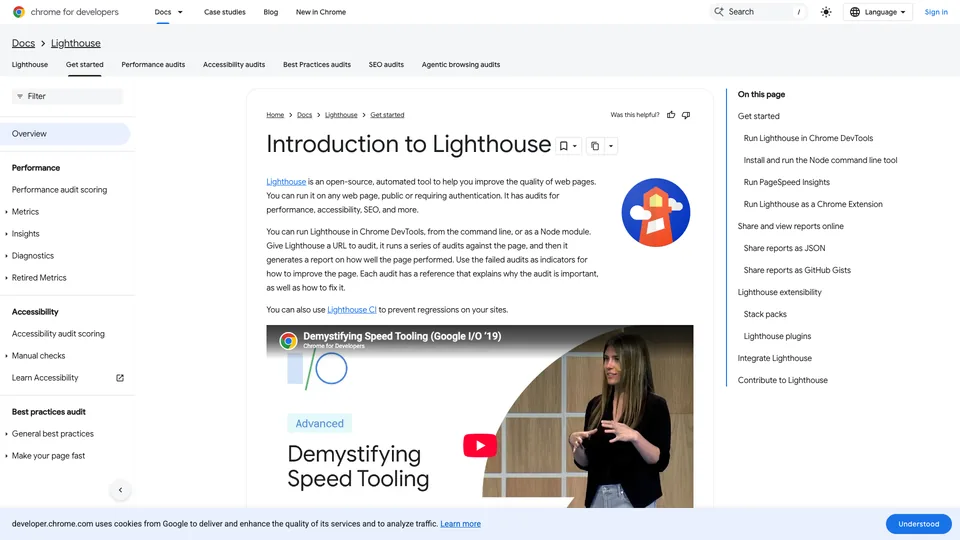
What is Lighthouse?
Lighthouse loads a page in Chrome, usually emulating a mid-range smartphone on a mobile network, records everything that happens during loading, then runs a series of audits on the result. The performance score combines five metrics, weighted as follows since version 10: Total Blocking Time, during which scripts keep the browser busy and stop it from responding (30%), Largest Contentful Paint or LCP (25%), layout stability or CLS (25%), First Contentful Paint (10%) and Speed Index (10%). Above 90, the page is considered good; below 50, poor. The accessibility, best practices and SEO categories check specific points in the code: contrast, alt text, title tags and meta descriptions, crawlable links, console errors. Since May 2026, an experimental category, “Agentic browsing,” also checks whether an AI agent can read and use the page (llms.txt file, accessibility tree, WebMCP protocol), the very ground of GEO.
There are several ways to run the tool. The panel built into Chrome’s developer tools is still the simplest, and it also works on a local site or behind a login page. A command-line version, installed with Node.js, is used to test pages in bulk, and Lighthouse CI runs it on every code change to block a regression before it goes live. Three modes coexist: the classic page load, recording a user flow with clicks and typing, and a snapshot of a page in a given state, with a menu open or a form expanded.
As for PageSpeed Insights, it isn’t a competitor but a showcase: since November 2018, Google’s site has run Lighthouse on its own servers and placed next to its report the Core Web Vitals measured for real visitors. Lighthouse on its own only knows the lab; in return, it runs on your machine, on any page, and can be finely controlled.
The project started at Google in 2016 and joined Chrome’s developer tools in 2017, with version 60 of the browser, where it then powered the “Audits” panel. A category dedicated to progressive web apps (PWA) long sat alongside the other four; it was removed in version 12, in April 2024. Written in JavaScript by the Chrome team under the Apache 2.0 license, it is now at version 13.6, released on October 27, 2026.
Lighthouse at a glance
- Type
- Open-source auditing software
- Publisher
- Google (Chrome team)
- Launched
- 2016
- License
- Apache 2.0
- Where to run it
- Chrome DevTools, command line, PageSpeed Insights
- Audit categories
- Performance, accessibility, best practices, SEO
- Latest version
- 13.6, October 2026
- Free plan
- Yes, the whole tool
- Starting price
- Free, no account
What is Lighthouse used for?
-
Measure a page’s performance
a score out of 100 calculated from LCP, CLS, blocking time and paint timings, on mobile as well as desktop.
-
Know what to fix first
oversized images, render-blocking or unused scripts, poorly loaded fonts, each suggestion with its estimated savings and an explanation.
-
Check accessibility
insufficient contrast, images without alt text, form fields without labels, all detected automatically.
-
Check the SEO basics
title tag, meta description, indexable page, crawlable links and a valid robots.txt file.
-
Get your site ready for AI agents
an experimental category that checks whether an agent can read the page and act on it.
-
Block regressions
with Lighthouse CI, an audit on every code change and thresholds that must not be crossed before going live.


Lighthouse review
Reference
For a developer or a front-end integrator, Lighthouse is probably the most convenient audit there is: it is already in Chrome, it works on a site still under construction, before it even goes live, and it explains each issue with a link showing how to fix it. During a redesign, you rerun it after each fix to check that it helped. Nobody offers better for free, and its engine is the one found inside many paid speed tools.
Its score, however, isn’t a verdict. The test runs on your computer, and by default Lighthouse loads the page at full speed before simulating a mobile network and a processor four times slower: the result therefore depends on how powerful your machine is, and an extension, an antivirus, another resource-hungry tab or a flaky connection is enough to move it by several points. It often differs from PageSpeed Insights, which runs on Google’s machines under stable conditions. Lighthouse sees no real visitors: a page scored 70 can perfectly well pass Core Web Vitals in the field, and the reverse happens too. An incognito window and several runs give a fairer picture; chasing a 100/100 at all costs is a waste of time.
The secondary categories also need to be put in perspective. The accessibility audit catches automated errors, not everything a real test with users would reveal, and the SEO section is limited to a page’s technical fundamentals: it replaces neither a crawl of the whole site nor a content analysis, the work of a full SEO audit. The AI agents category, still experimental, is mostly useful for keeping an eye on what’s coming.
For a project manager or a freelancer who just wants to know whether their site is fast, PageSpeed Insights is easier to read. Lighthouse shows its full value in the hands of the people who fix the code.
Strengths
- Free, open source and already installed in Chrome.
- Works on a local site or behind a login, before going live.
- Four audits in one: performance, accessibility, best practices and SEO.
- Every issue links to an explanation and a way to fix it.
- Can be automated from the command line and in continuous integration with Lighthouse CI.
Weaknesses
- Lab data only, with no measurement from real visitors.
- A score that varies with the machine, extensions and network.
- Scores that often differ from PageSpeed Insights, which is confusing.
- An accessibility audit and an SEO section limited to what can be checked automatically.
- One page at a time in the browser; bulk testing requires the command line.
Is Lighthouse worth it?
Yes, if you build or fix websites: it is already in your browser, it tests the development version as well as the live one, and it tells you exactly what to change. For a technical team, adding it to continuous integration with Lighthouse CI avoids discovering a performance drop after the release.
Not necessarily, if you just want to know how your site looks in Google’s eyes. PageSpeed Insights runs the same audit without opening anything and adds Core Web Vitals from real visitors, which the Google Search Console report tracks across the whole site. To follow loading request by request or test from another city, WebPageTest and GTmetrix go further; for continuous monitoring with history, paid services such as DebugBear are themselves built on Lighthouse. And for accessibility, a manual audit remains essential.
How much does Lighthouse cost?
Lighthouse costs nothing and has no paid version: it is free software from Google, shipped with Chrome and released under the Apache 2.0 license. No account is needed.
| Plan | Per month | Access | Who it's for |
|---|---|---|---|
| Chrome DevTools | $0 | Built into the browser, nothing to install | Testing a page by hand, locally or live |
| Command line and Lighthouse CI | $0 | Open-source Node.js package, free to install | Developers, bulk testing, continuous integration |
Source: official Lighthouse repository (Apache 2.0 license, no paid offering), checked on October 31, 2026.
- The command line requires Node.js 22 or later, as well as Google Chrome.
- Lighthouse CI can store report history on a server you host yourself: the software is free, hosting is up to you.
FAQ
Answers to questions about Lighthouse
What is the difference between Lighthouse and PageSpeed Insights?
PageSpeed Insights runs Lighthouse on Google’s servers and adds Core Web Vitals measured for real visitors. Lighthouse on its own runs on your computer and only gives lab measurements, but it also works on a local site or behind a login.
Why is my Lighthouse score different from PageSpeed Insights?
The two tests don’t run on the same machine or the same network, and your browser’s extensions or cache skew the local result. Run Lighthouse in an incognito window, several times, and compare trends rather than points.
How do I run Lighthouse in Chrome?
Open the page, right-click and choose Inspect, select the Lighthouse tab, check the categories and device you want, then start the analysis. The report appears after a few seconds.
Does Lighthouse cost anything?
No. It is open-source software from Google, free in Chrome and on the command line, with no account or paid version.
Information checked on October 31, 2026